Messaging
Vincenty provides secure group and direct messaging with support for file attachments.
Conversations View
Navigate to Messages in the top navigation bar.
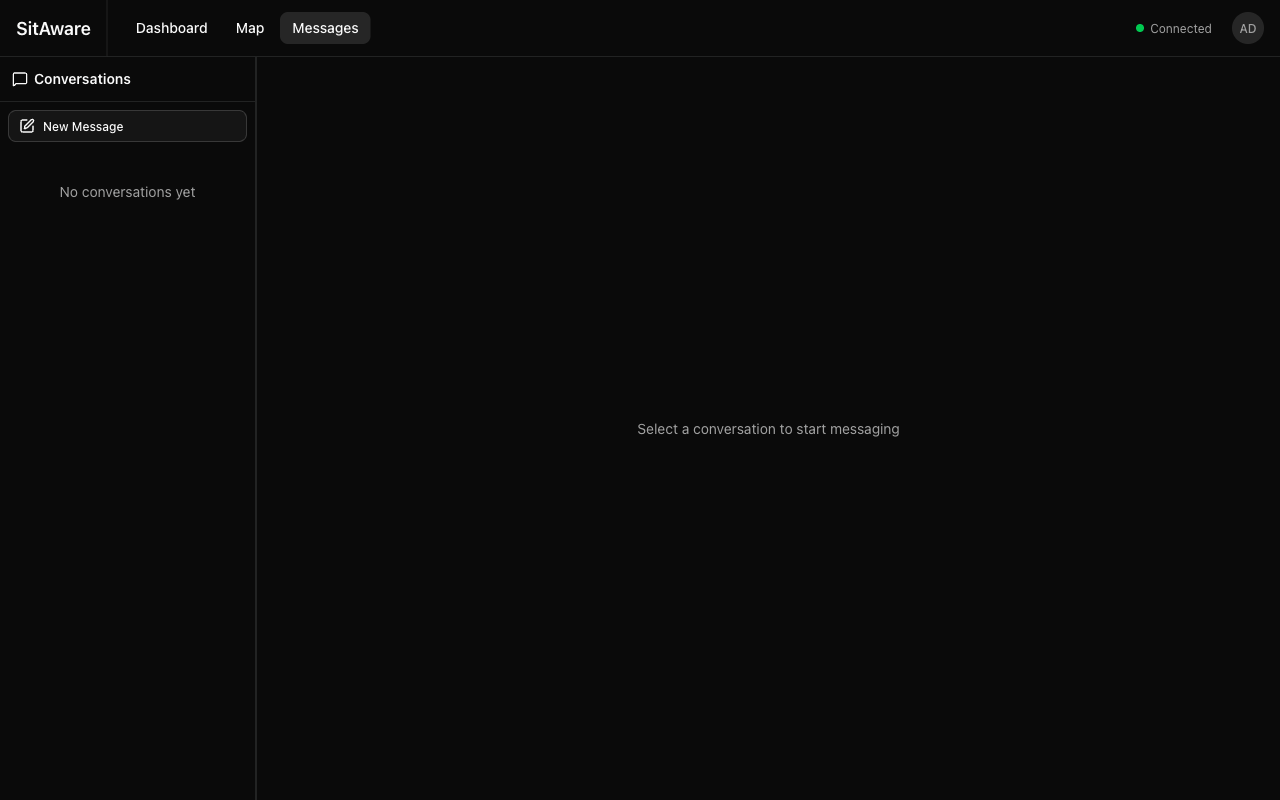
The messaging interface has two panels: - Left panel -- conversation list showing all your active group and direct message threads - Right panel -- the selected conversation's message history and compose area
Starting a New Conversation
- Click the New Message button in the left panel.
- Choose the conversation type:
- Group message -- select a group you belong to (requires write permission)
- Direct message -- select a user to start a private conversation
Sending Messages
- Select a conversation from the left panel (or create a new one).
- Type your message in the compose area at the bottom of the right panel.
- Press Enter or click the send button.
Messages include your current location at the time of sending, which can be viewed by recipients.
Group Messages
- Messages are visible to all group members with read permission
- Only members with write permission can send messages to the group
- Messages are delivered in real-time via WebSocket to all online group members
- Scroll up to load older message history
Direct Messages
- Private one-on-one conversations between any two users
- The Conversations list shows all active DM threads
- Messages are delivered in real-time to the recipient if they are online
File Attachments
You can attach files to any message (group or direct):
- Click the attachment icon in the compose area.
- Select a file from your device.
- The file is uploaded to object storage (S3/Minio) and the message is sent with the attachment.
Recipients can download attachments by clicking on them.
GPX Files
GPX file attachments are special -- they are automatically parsed and can be rendered as overlays on the Map. This makes it easy to share routes, tracks, and waypoints with your team.
Deleting Messages
You can delete your own messages:
- Hover over a message you sent.
- Click the delete option.
- The message is permanently removed for all participants.
Admins can delete any message.
Real-Time Delivery
Messages are delivered in real-time via WebSocket. If the recipient is offline, messages are stored in the database and appear when they next log in. There are no push notifications in the current version -- delivery is real-time when connected.